Displaying your Mod
Learn how to properly display your mod inside of our mod manager.
The following articles are meant for mod creators only.
Mod Display File#
Aurora uses a mod.json file to allow mod creators to display information about their mod freely.
If a mod.json file is not present in your mod, then some information about it will be displayed as "Unknown".
ᅠ

Why a Display file#
The display file allows your mod to be shown better in our mod manager. Some other features like a support link when clicking on the author text can be used to add more ways for users to support your work.
An example of a creator using a display file:
ᅠ

As you can see, his mod has a custom character icon, a highlighted author text that when clicked link to his Patreon page and a version field.
Credits goes to Nemix, cool modder.
Setup a Display file#
In order to setup a display file, you must have a file named mod.json at the root of your mod.
.
└── {root}/
    ├── mod.json       ➧ Correct Placement
    └── subfolder/
        ├── mod.json   ➧ Incorrect Placement
        ├── example_P.pak
        ├── example_P.ucas
        └── example_P.utoc
Then, edit the contents of the mod.json file with the following:
{
    "Name": "Example Mod Name",
    "Version": "1.0",
    "Author": "Example Author Name",
    "Icon": "CharacterName (see valid character names field)",
    "Optionals": {
        "Support Link": "https://patreon.com/example",
        "Custom Image URL": "https://image.com/example/example.png"
    }
}
More info about each field:
Name#
OPTIONAL
Your mod's name goes here, it's what Aurora will use as the mod's first name. Users can still set a custom name by renaming the mod.
Version#
OPTIONAL
The mod's version, leaving empty will display no version tag in the mod manager.
Author#
OPTIONAL
Your own name goes here, it's what will be shown to users as the creator of the mod.
Icon#
OPTIONAL
Aurora supports using a character's icon as the mod icon. If your mod is about Mint for example, you'd put "Mint" into the here.
Below are all of the supported character names:
| Character Name | Character Icon |
|---|---|
| MC | 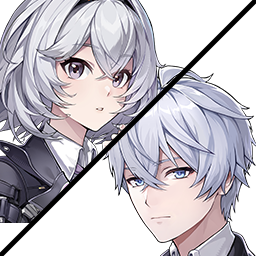 |
| Zero | 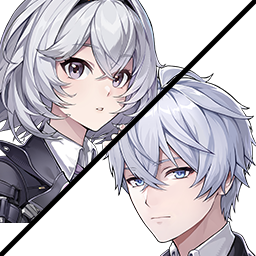 |
| Nanally | 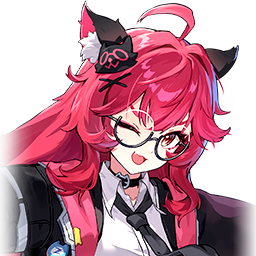 |
| Daffodill | 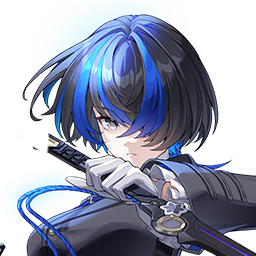 |
| Sakiri | 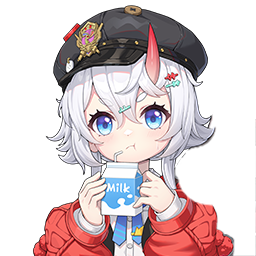 |
| Adler | 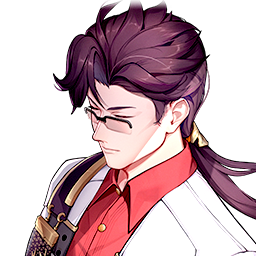 |
| Edgar | 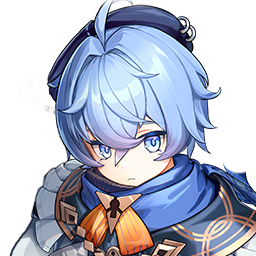 |
| Fadia | 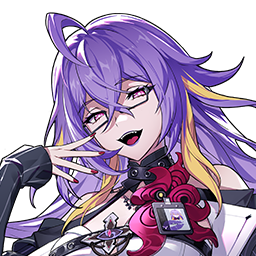 |
| Haniel | 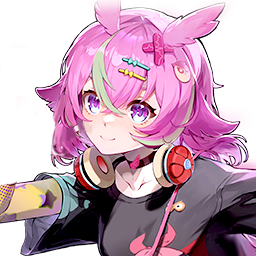 |
| Chiz | 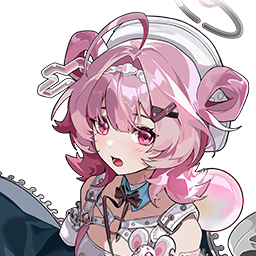 |
| Hathor | 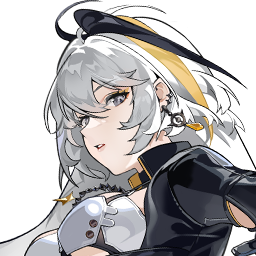 |
| Jiuyuan | 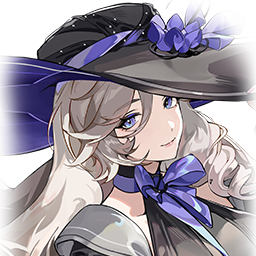 |
| Hotori | 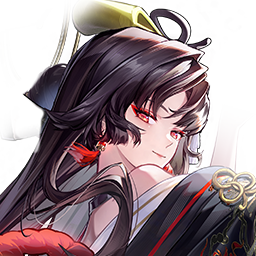 |
| Mint | 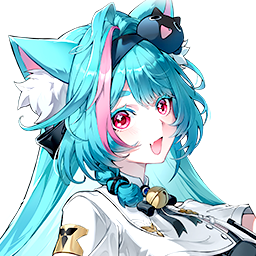 |
| Lacrimosa | 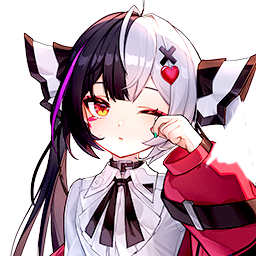 |
| Blackbird | 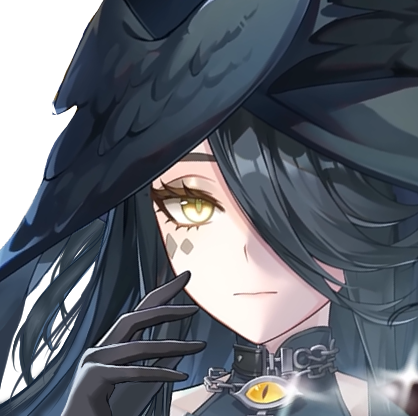 |
| Baicang | 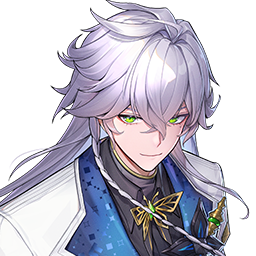 |
| Aurelia | 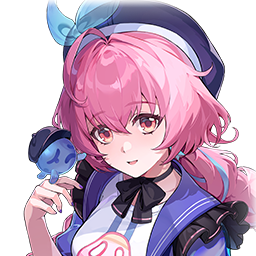 |
| Skia | 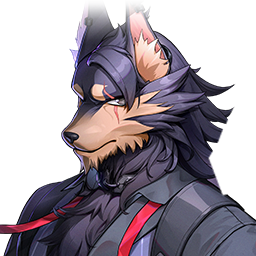 |
| Iroi | 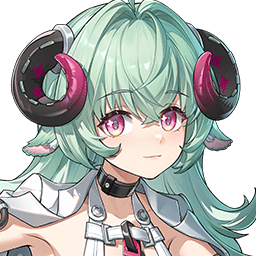 |
| Chaos | 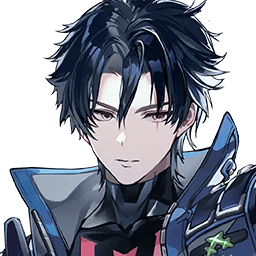 |
| Shinku | 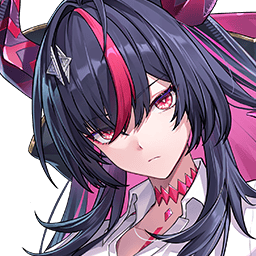 |
| Zankou | 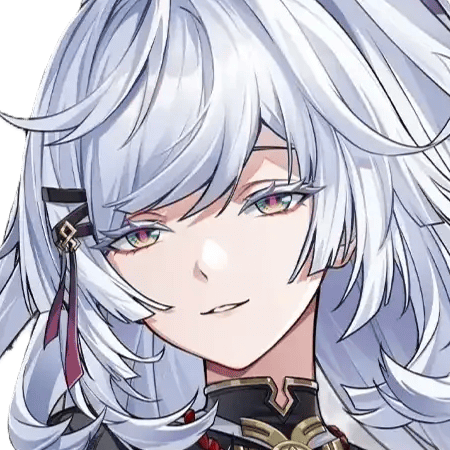 |
| Linko | 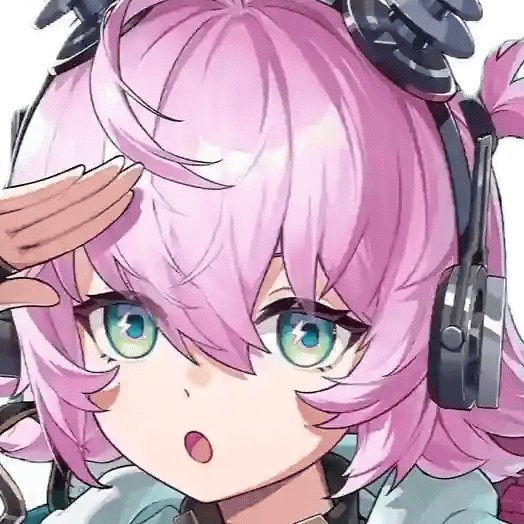 |
Support Link#
When provided, the Author text becomes blue and clickable. Clicking on the author text will redirect the user to the website that you've put inside of the field.
Custom Image URL#
When provided, the icon set in the mod manager will be changed to a custom icon set in this URL. This WILL override the icon field.
Next#
- Aurora Development Tools allows you to have some useful development keybinds in-game.